Recoil control and rapid fire, tuned to aiming and shooting in Siege.
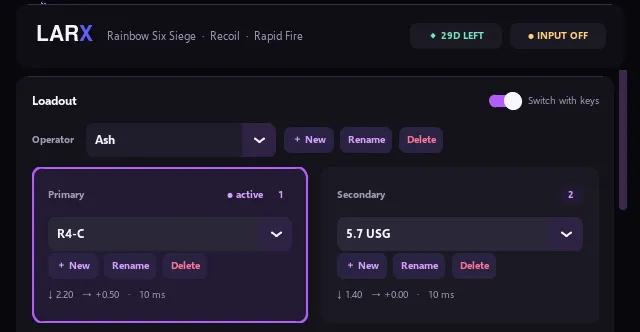
- Trigger
- Left and right mouse button together
- Loadouts
- One preset per weapon for each operator
- Weapon switch
- Keys 1 and 2, just like in game
from €3Buy an R6 key
Set your recoil once and Larx pulls your mouse back on every shot. Plus rapid fire, presets per weapon, loadouts, fixed hotkeys and a live preview. Licences from €3, your key arrives instantly.
Both versions have the same features and the same prices. Every key works for exactly one game.

Recoil control and rapid fire, tuned to aiming and shooting in Siege.

Recoil control and rapid fire for the sprays in CS2, no right click needed.
€3
licences from
100
clicks per second
0.01
recoil fine steps
1 min
from purchase to play
active users
Same prices for Rainbow Six Siege and Counter-Strike 2. Every key unlocks the whole tool for one game, and your time only starts when you redeem it.
€2.99€4.99
one-off
Buy€5.99€7.99
€0.86 per day
Buy€9.99€14.99
€0.33 per day
Buy€14.99€19.99
€0.04 per day
Buy€19.99€24.99
one-off
BuyInstantly via PayPal. More payment methods on SellAuth.
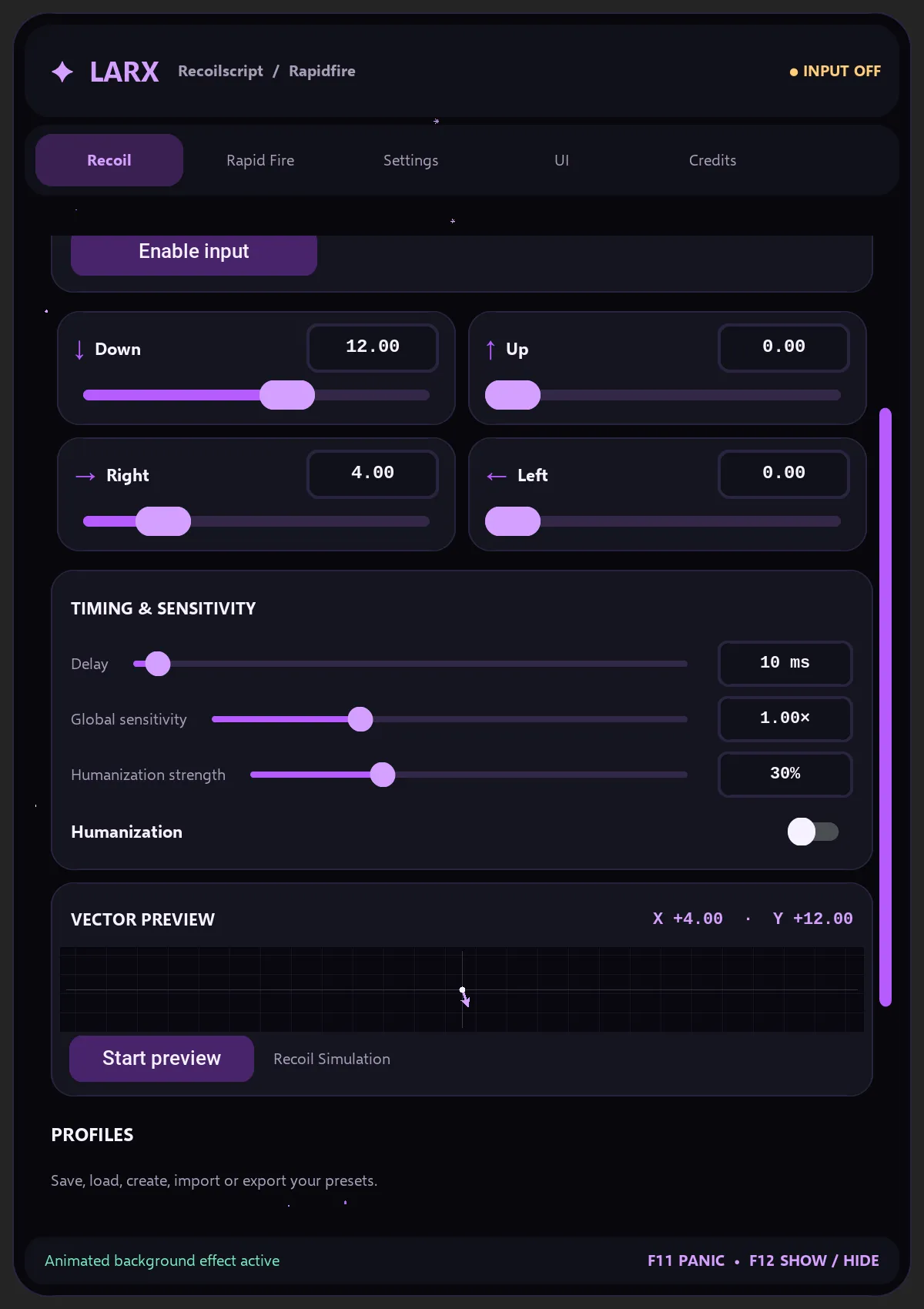
No more pulling up: Larx cancels the recoil on every shot.
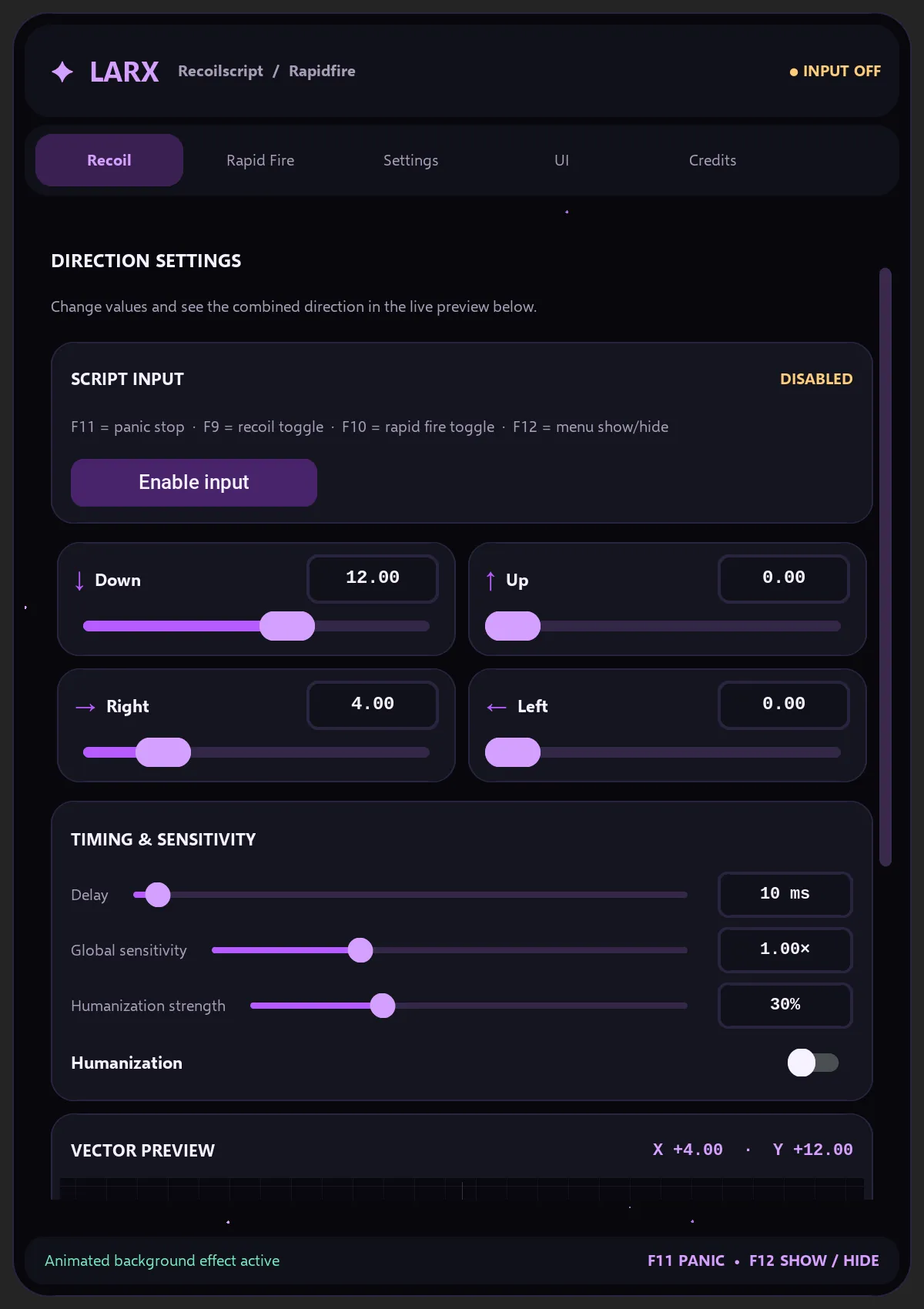
Set Down, Up, Right and Left in steps of 0.01, the delay from 1 ms and a global sensitivity that matches your in-game settings. Larx only acts while you hold the trigger: left and right mouse button together in R6, the left mouse button in CS2.
Try it right here: drag the sliders and watch the spray tighten.
Inside the tool, the vector preview shows the combined direction live as X and Y. The recoil simulation lets you test your values without switching to the game.
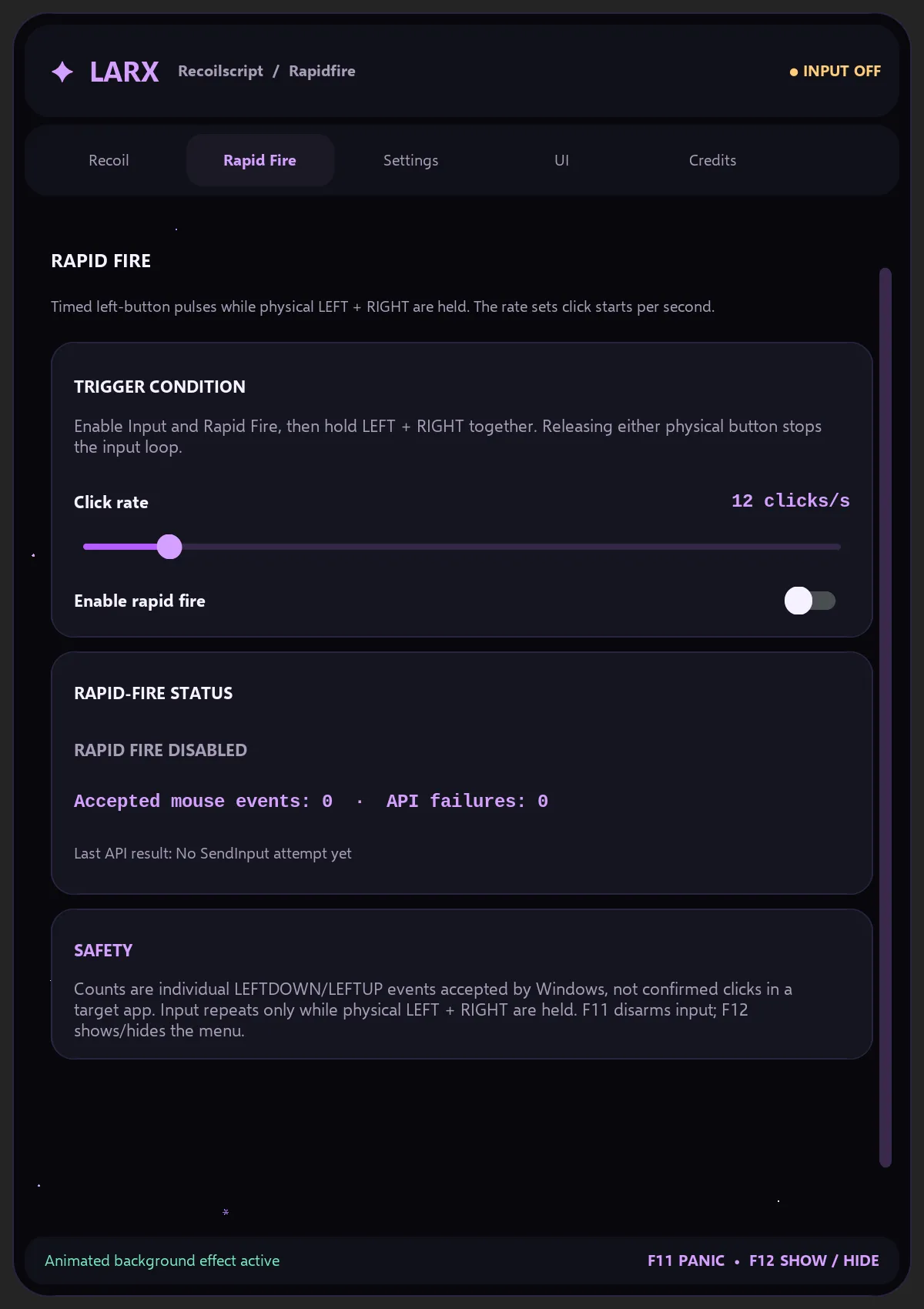
For semi-auto guns and pistols: fast clicks while you hold the trigger.
Set the click rate from 1 to 100 per second. Let go of either button and Larx hands the mouse back instantly. Toggle rapid fire and recoil separately with F9 and F10.
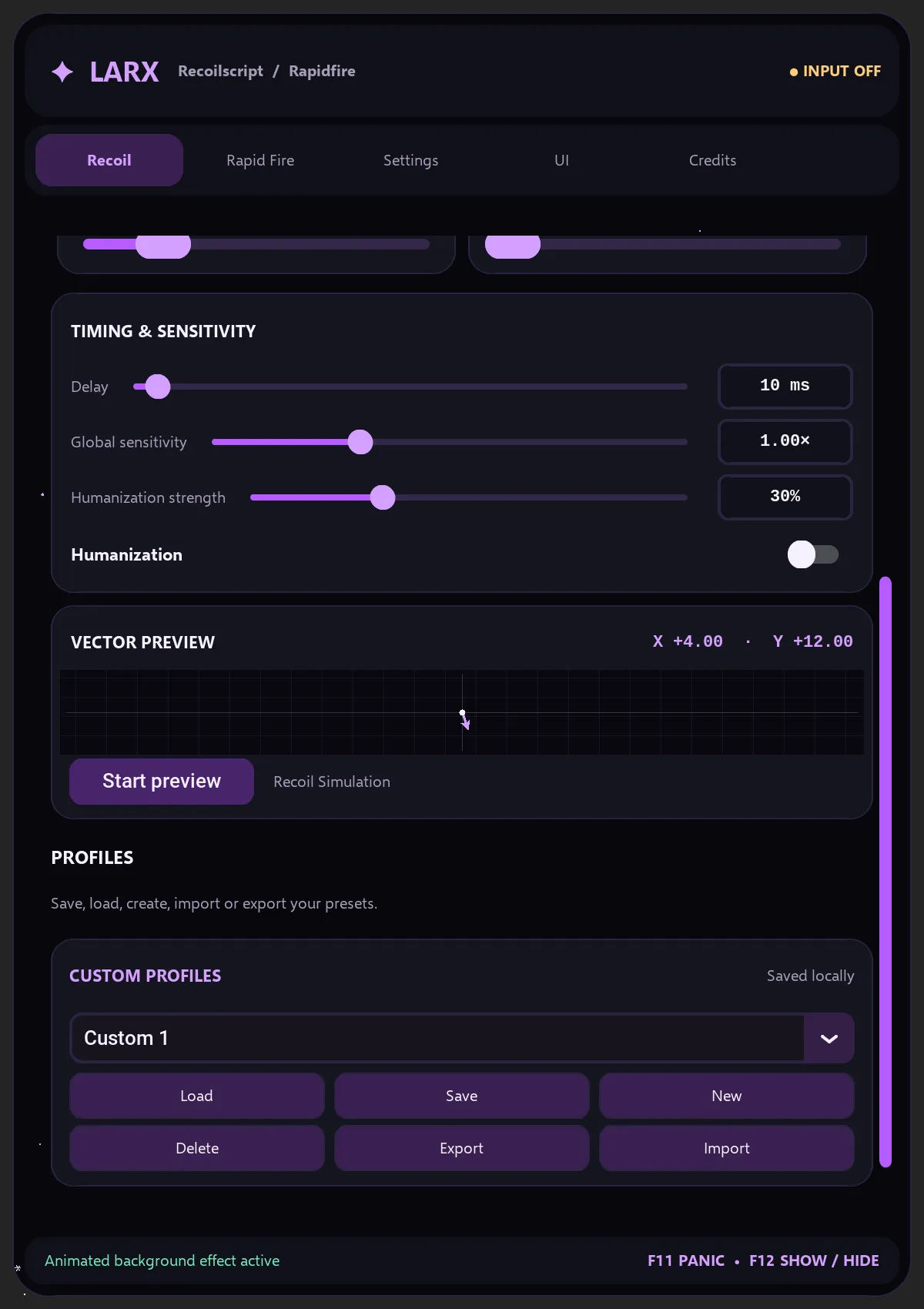
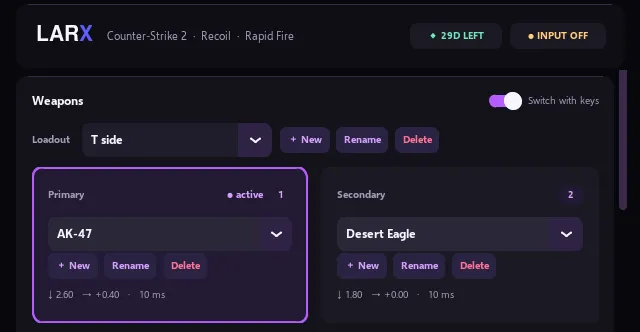
One preset per weapon, one loadout per operator or side, switched with 1 and 2.
Create a named preset for every weapon and build loadouts from them, per operator in R6 and for T and CT in CS2, for example. Presets can be shared as files. Larx saves automatically and restores everything on launch.
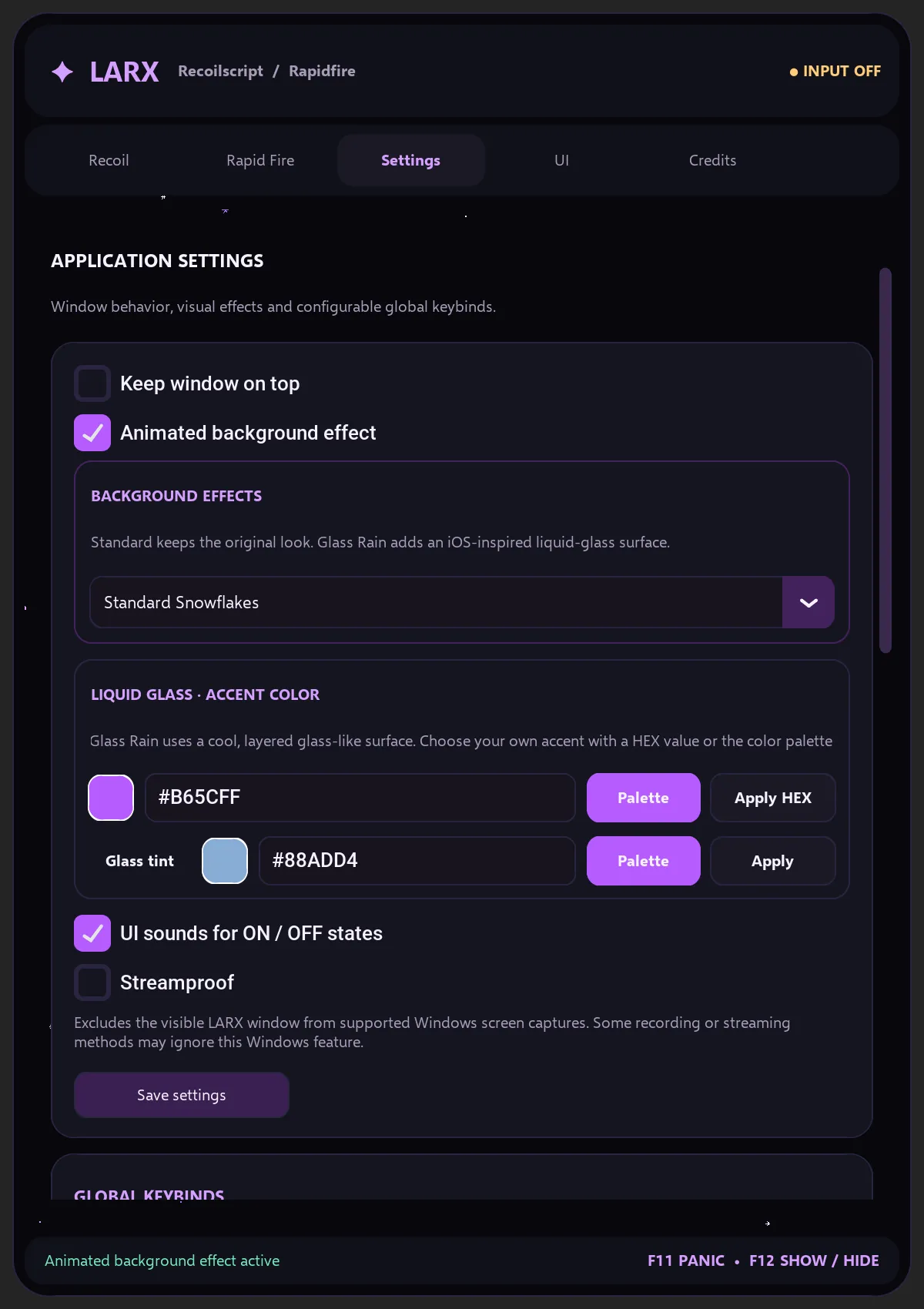
F11 stops every input at once, F12 hides the menu.
Every key can be rebound and sounds tell you whether Larx is active. Pick between Standard and Glass Rain and set your own accent colour.
Choose a plan and pay with PayPal. Your key appears on the page right away.
Request the download with your key and run the file.
Enter the key on first launch. Your time starts now.
Set Down and Right, save a profile, jump into a round.
The first reviews will appear here soon. Every one comes from a real buyer with a valid key.
Rainbow Six Siege and Counter-Strike 2. Each game has its own tool with matching loadouts: per operator in R6 and per side in CS2, for example. Larx moves the normal Windows mouse and you set your values per weapon yourself.
No. Every key works for exactly one game. You choose R6 or CS2 when you buy, and the prices are the same. The download page automatically gives you the tool that matches your key.
Choose a plan, tick the two boxes and pay with PayPal. Your key appears on the page instantly. More payment methods are available in our SellAuth shop.
When you first redeem the key in the tool, not when you buy it. A key can sit for a few days without losing any time.
A key works on one PC. If you switch, we reset the binding on Discord. The time you have left stays.
No. Larx is a standalone Windows program. It does not change game files, read game memory or inject anything into the game. It only moves your mouse, and only while you hold the trigger.
Yes, the risk is real. Rainbow Six Siege and Counter-Strike 2 forbid macros in their rules, and anyone who dominates every round in an obvious way gets reported and reviewed. That can lead to warnings or bans. Keep your values natural, do not overdo it and remember: you use Larx at your own risk.
Windows 10 or 11, 64-bit, and an internet connection at launch. Larx checks the licence every 10 minutes and keeps running for up to 6 hours offline.
With your PayPal transaction ID and PayPal email you can find it on the recover key page. Or message us on Discord. Recover key